
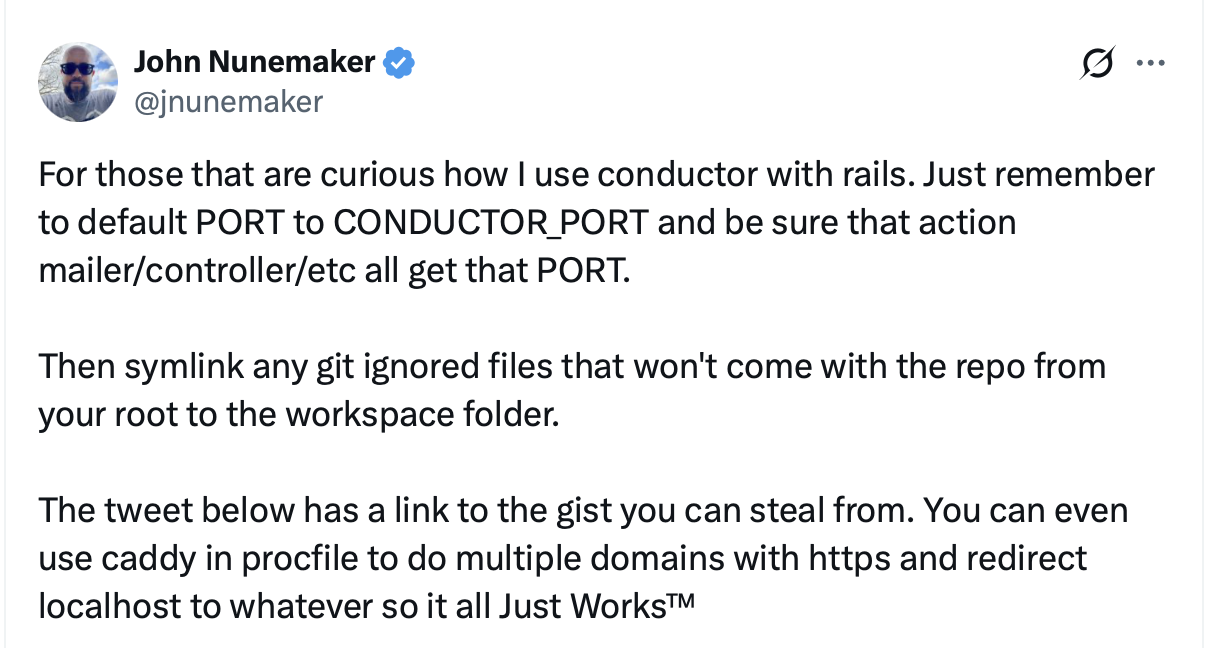
John Nunemaker's tweet about using Conductor with Rails
Conductor works well with Rails apps. The key things to remember:
  1. Default PORT to CONDUCTOR_PORT so each workspace gets its own port
  2. Make sure Action Mailer, controllers, and other URL generators use that port
  3. Symlink git-ignored files from your root repo to each workspace

Configuration Files

Here’s a complete setup based on John Nunemaker’s gist.

conductor.json

Add this to the root of your project:
{
  "scripts": {
    "setup": "bin/conductor-setup",
    "server": "script/server"
  }
}

bin/conductor-setup

Create a setup script that symlinks shared configuration from your root repo:
#!/bin/sh
#/ Usage: bin/conductor-setup
#/
#/ Setup files that are not tracked in git for Conductor workspaces.
#/ This is run automatically when a new workspace is created.

set -e
cd $(dirname "$0")/..

# Symlink .env from the root repo so all workspaces share the same config.
# Set up your .env once at $CONDUCTOR_ROOT_PATH/.env and all workspaces use it.
if [ -n "$CONDUCTOR_ROOT_PATH" ]; then
  if [ -f "$CONDUCTOR_ROOT_PATH/.env" ]; then
    echo "Symlinking .env from $CONDUCTOR_ROOT_PATH/.env..."
    ln -sf "$CONDUCTOR_ROOT_PATH/.env" .env
  else
    echo "Warning: $CONDUCTOR_ROOT_PATH/.env not found."
    echo "Create it from .env.example: cp .env.example $CONDUCTOR_ROOT_PATH/.env"
  fi

  # Copy database.yml and credential keys from repo root
  if [ -f "$CONDUCTOR_ROOT_PATH/config/database.yml" ]; then
    echo "Copying database.yml from repo root..."
    cp "$CONDUCTOR_ROOT_PATH/config/database.yml" config/database.yml
  fi

  if [ -f "$CONDUCTOR_ROOT_PATH/config/credentials/development.key" ]; then
    echo "Copying development.key from repo root..."
    cp "$CONDUCTOR_ROOT_PATH/config/credentials/development.key" config/credentials/development.key
  fi

  if [ -f "$CONDUCTOR_ROOT_PATH/config/credentials/test.key" ]; then
    echo "Copying test.key from repo root..."
    cp "$CONDUCTOR_ROOT_PATH/config/credentials/test.key" config/credentials/test.key
  fi

  # Symlink storage directory for Active Storage
  if [ -d "$CONDUCTOR_ROOT_PATH/storage" ]; then
    echo "Symlinking storage from $CONDUCTOR_ROOT_PATH/storage..."
    ln -sf "$CONDUCTOR_ROOT_PATH/storage" storage
  else
    echo "Creating storage directory at $CONDUCTOR_ROOT_PATH/storage..."
    mkdir -p "$CONDUCTOR_ROOT_PATH/storage"
    ln -sf "$CONDUCTOR_ROOT_PATH/storage" storage
  fi

  # Symlink ngrok.yml from repo root if it exists
  if [ -f "$CONDUCTOR_ROOT_PATH/ngrok.yml" ]; then
    echo "Symlinking ngrok.yml from $CONDUCTOR_ROOT_PATH/ngrok.yml..."
    ln -sf "$CONDUCTOR_ROOT_PATH/ngrok.yml" ngrok.yml
  fi

  # Symlink .bundle for private gem credentials
  if [ -d "$CONDUCTOR_ROOT_PATH/.bundle" ]; then
    if [ -e .bundle ] && [ ! -L .bundle ]; then
      echo "Error: .bundle exists and is not a symlink. Remove it manually first."
      exit 1
    fi
    echo "Symlinking .bundle from $CONDUCTOR_ROOT_PATH/.bundle..."
    ln -sf "$CONDUCTOR_ROOT_PATH/.bundle" .bundle
  fi
else
  # Fallback for running outside Conductor
  if [ ! -f .env ]; then
    echo "Creating .env from .env.example..."
    cp .env.example .env
  else
    echo ".env already exists, skipping..."
  fi
fi

# Run full setup (dependencies, database, fixtures)
script/bootstrap

echo "Conductor setup complete!"
Make it executable: chmod +x bin/conductor-setup

script/server

Create a server script that uses CONDUCTOR_PORT:
#!/bin/sh
#/ Usage: script/server
#/
#/ Run all the processes necessary for the app.

set -e
cd $(dirname "$0")/..

[ "$1" = "--help" -o "$1" = "-h" -o "$1" = "help" ] && {
    grep '^#/' <"$0"| cut -c4-
    exit 0
}

# Use CONDUCTOR_PORT if set, otherwise PORT, defaulting to 3000
# Set Vite port to PORT + 36 (e.g., 3000 -> 3036)
export PORT=${CONDUCTOR_PORT:-${PORT:-3000}}
export VITE_RUBY_PORT=$((PORT + 36))

bundle exec foreman start -p ${PORT} -f Procfile.dev
Make it executable: chmod +x script/server

config/initializers/default_host.rb

This initializer ensures Action Mailer, controllers, and asset hosts all use the correct port:
canonical_host = ENV["CANONICAL_HOST"]

CANONICAL_HOST = if canonical_host
  canonical_host
elsif Rails.env.development?
  "localhost:#{ENV.fetch("PORT", 3000)}"
elsif Rails.env.test?
  "www.example.com"
else
  "#{ENV["HEROKU_APP_NAME"]}.herokuapp.com"
end

scheme = Rails.configuration.force_ssl ? "https" : "http"
APP_URL = "#{scheme}://#{CANONICAL_HOST}"

Rails.application.routes.default_url_options[:host] = CANONICAL_HOST
Rails.application.config.action_mailer.default_url_options = { host: CANONICAL_HOST }
Rails.application.config.asset_host = CANONICAL_HOST

if canonical_host
  Rails.application.middleware.use Rack::CanonicalHost, canonical_host
end

config/puma.rb

Configure Puma to use the PORT environment variable:
workers_count = Integer(ENV['WEB_CONCURRENCY'] || 1)
max_threads_count = Integer(ENV['RAILS_MAX_THREADS'] || 2)
min_threads_count = Integer(ENV['RAILS_MIN_THREADS'] || max_threads_count)
threads min_threads_count, max_threads_count

port        ENV['PORT']     || 3000
environment ENV['RACK_ENV'] || ENV['RAILS_ENV'] || 'development'

enable_keep_alives false

if workers_count > 1
  preload_app!
  workers workers_count

  before_fork do
    if defined?(::ActiveRecord) && defined?(::ActiveRecord::Base)
      ApplicationRecord.connection_pool.disconnect!
    end
  end

  on_worker_boot do
    if defined?(::ActiveRecord) && defined?(::ActiveRecord::Base)
      ApplicationRecord.establish_connection
    end
  end
end

if ENV['RACK_ENV'] == 'development' || ENV['RAILS_ENV'] == 'development' || (ENV['RACK_ENV'].nil? && ENV['RAILS_ENV'].nil?)
  on_booted do
    port = ENV['PORT'] || 3000
    url = "http://localhost:#{port}"
    puts
    puts "  App running at #{url}"
    puts
  end
end

plugin :tmp_restart

vite.config.js (if using Vite)

If you’re using Vite with Rails, configure it to use a port offset:
import { defineConfig } from 'vite'
import ViteRails from 'vite-plugin-rails'
import vue from '@vitejs/plugin-vue'

// Default Vite port to PORT + 36 (e.g., Rails on 4000 -> Vite on 4036)
const basePort = parseInt(process.env.PORT || '4000', 10)
const vitePort = parseInt(process.env.VITE_PORT || String(basePort + 36), 10)

export default defineConfig({
  server: {
    port: vitePort,
    strictPort: true,
  },
  plugins: [
    ViteRails(),
    vue()
  ]
})

Using Caddy for HTTPS

You can also use Caddy in your Procfile to handle multiple domains with HTTPS and redirect localhost. This makes local development match production more closely.