Spotlight testing is experimental. To enable it, go to Settings -> Experimental and toggle on “Use spotlight testing”.If you run into any issues, please reach out to us at [email protected]!
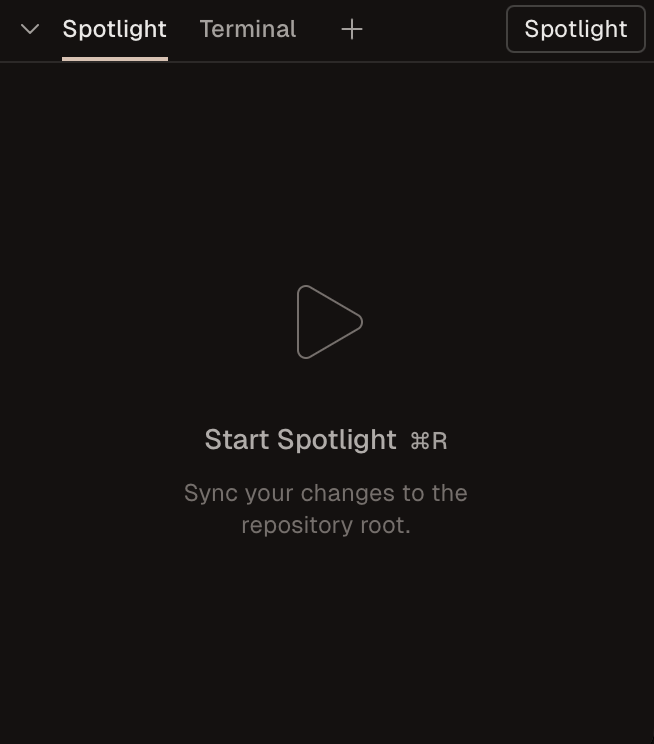
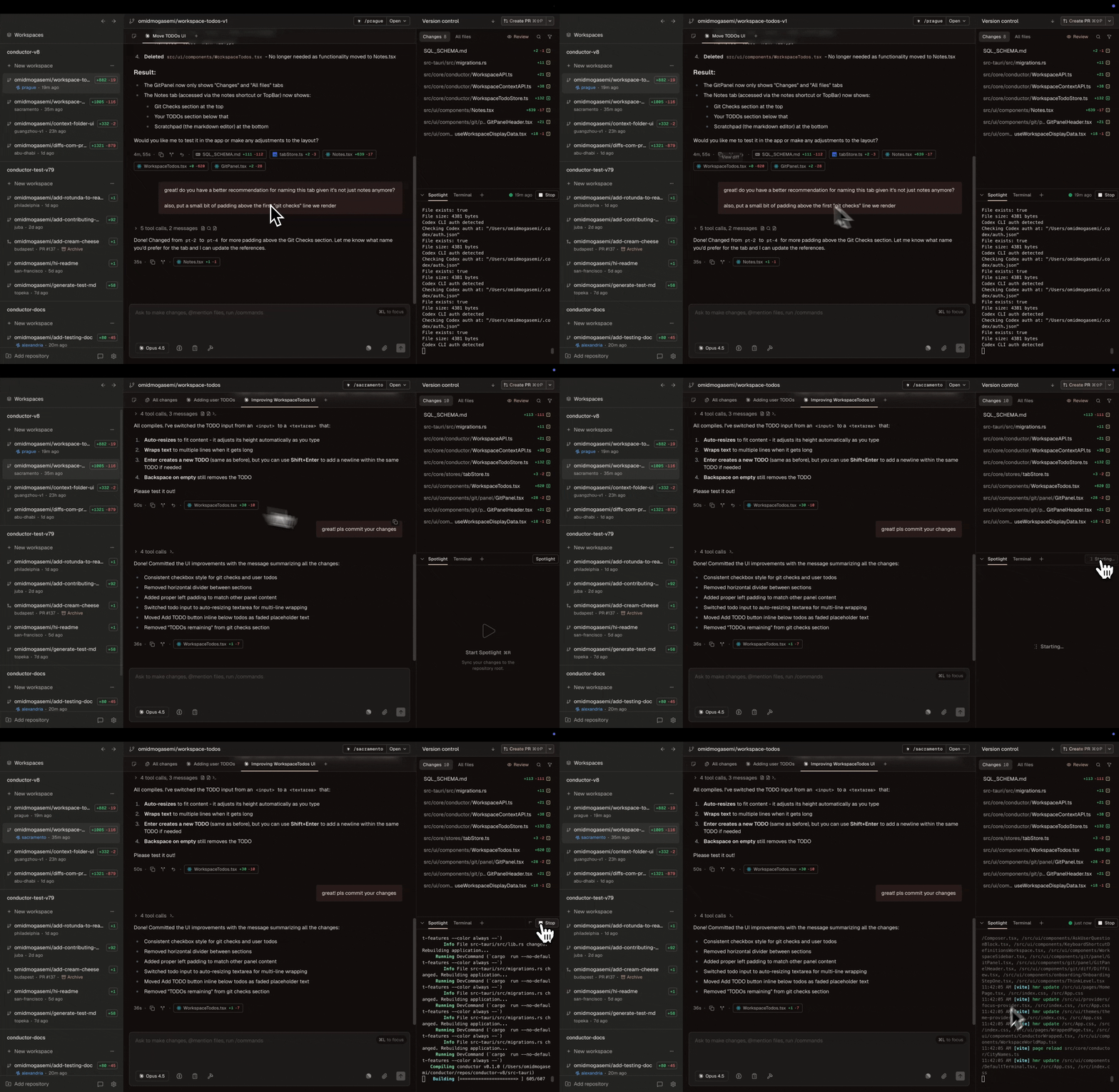
When you have changes ready to test in a workspace, use the spotlight button in the Conductor UI to copy the changes back to your repository’s root directory.You’ll then have access to a terminal in your repository root directory in the Conductor UI. Use this terminal to test your application.When you turn spotlight mode off, your original state in your repository root will be restored.“Repository root” refers to the directory of the repository that you added to Conductor.
Enabling spotlight mode adds a file watcher to your workspace. Whenever changes are detected, Conductor will create a checkpoint commit of your workspace and check it out in your repository root.If your development server supports hot reloading, you’ll see workspace changes reflected without having to take any manual action.
Directory-dependent applications - Spotlight runs your app in your repository’s root directory, so you don’t have to build workarounds if your application has assumptions about what directory on a machine it runs from.
Long initial builds - If your first build takes a long time but subsequent incremental builds are fast, spotlight testing enables reuse of build artifacts that already exist by running from one location.
External resource dependencies - If your app depends on a single external resource (like a database or a specific port), spotlight testing leverages your existing resource setups in the repository root.
Spotlight testing works by copying the files in your workspace back to your repository root directory.Conductor uses watchexec to watch for changes in your workspace. When that happens, Conductor copies all of your workspace’s files to your repository root directory.Only files that are tracked in git are copied back to your repository root directory. That means build artifacts (like node_modules) are not copied back to your repository root directory.
Why aren’t changes in my repository root directory reflected in my workspace?
Spotlight testing is a one-way sync. Changes in your repository root directory are not copied to your workspace. Only changes in your workspace are copied to your repository root directory.We recommend editing changes in your workspace directly to see them reflected in your repository root directory.
If your workspace or repository root have an rebase or merge in progress, Spotlight mode will not work.You can fix this by running git rebase --continue or git merge --continue to complete the operation (or --abort to cancel).Make sure you run the above command in your workspace and repository root directories.