
Run scripts
Therun script in Conductor allows you to easily launch your web server, app, or unit tests from a button in the Conductor UI.
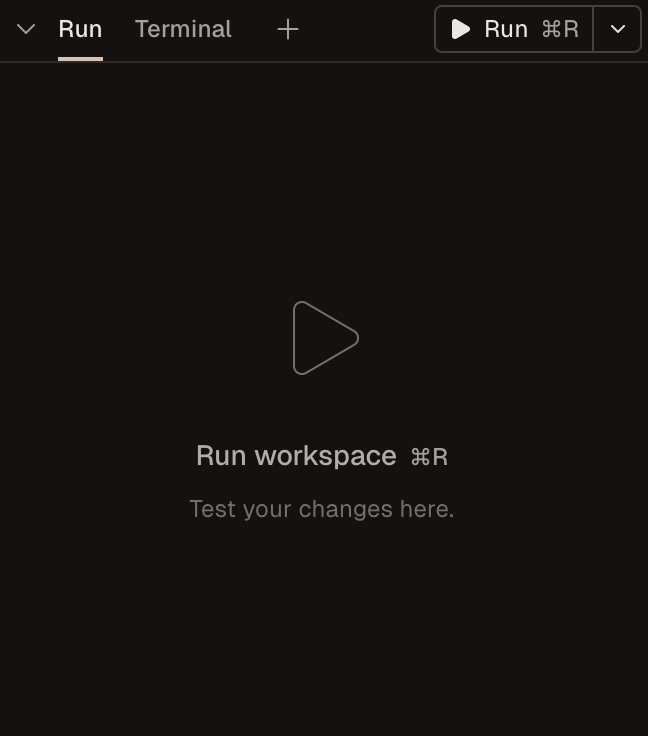
$CONDUCTOR_PORT environment variable in your script. Learn more in our run scripts guide.
Spotlight testing
Spotlight testing allows you to test your application by copying the changes in your workspace back to your repository root directory using a button in the Conductor UI.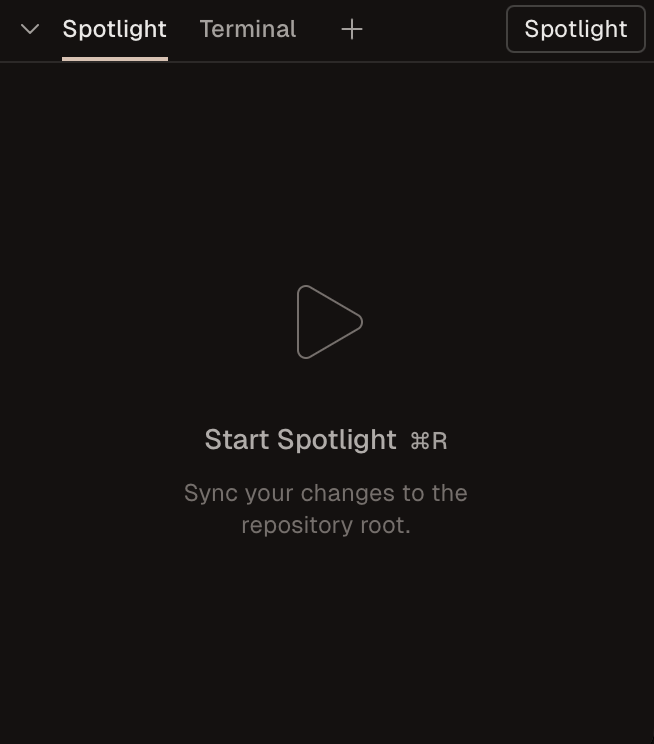
Spotlight testing is in experimental mode. Enable it under
Settings -> Experimental.If you run into any issues using spotlight testing, please reach out to us at [email protected].Choosing a testing approach
There are a few key differences to keep in mind when choosing a testing approach:- With spotlight testing, you can only test one workspace at a time.
- Using run scripts requires your repository to be able to run from different workspace directories on your machine.
- Consider how costly the initial build is for your repository. If it’s expensive, spotlight testing can help you reuse build artifacts that already exist by running from your repository root.
- If your application depends on a single external resource (like a database or a specific port), spotlight testing (or run scripts in nonconcurrent mode) can help prevent resource conflicts.