
conductor.json file in your workspace and commit it to git. When teammates pull the repo, they’ll get the same scripts automatically.
Step 1: Create conductor.json
Open Repository Settings, click “Share with team” in the Scripts section, and select a workspace to create the file in.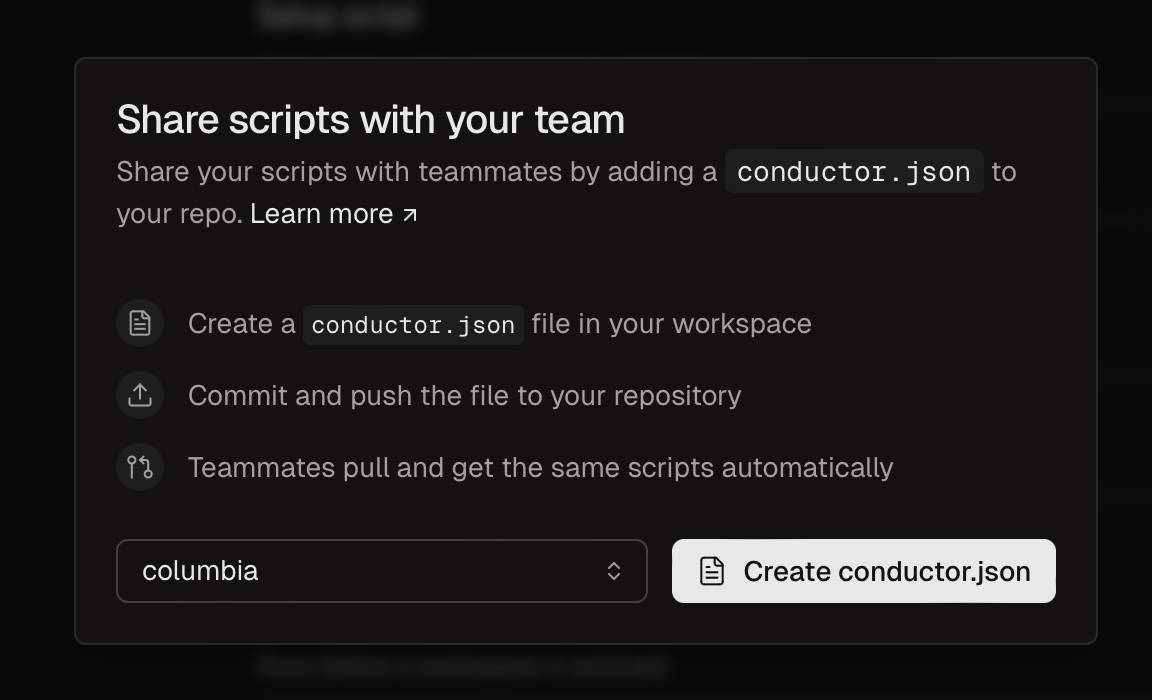
Step 2: Publish
Commit your change, push it, and merge it into your default branch.Step 3: Pull
Before conductor.json takes effect in a workspace, you’ll need to:- Pull changes (to make sure the file is present)
- Clear scripts in Repository Settings
If you have any scripts configured in your Repository Settings, your conductor.json will be fully overridden.Ask your teammates to clear their personal scripts to take advantage of conductor.json.
Schema
Example:| Field | Type | Description |
|---|---|---|
scripts.setup | string | Command to run when setting up the workspace |
scripts.run | string | Command to start the dev server or main process |
scripts.archive | string | Command to run when archiving the workspace (e.g., cleanup) |
runScriptMode | "concurrent" | "nonconcurrent" | Set to "nonconcurrent" to kill any in-progress run scripts before starting a new one |
enterpriseDataPrivacy | true | false | Set to true to disable analytics and telemetry data collection. See Privacy for details. |